v0.2.5
Latest 2026-07-25
- UI fixes;
v0.2.4
2026-06-29
- UI fixes;
- Portfolio Correlation bug-fix;
v0.2.3
2026-06-26
- Multi-terminal setup bug fix;
v0.2.2
2026-06-26
- Symbol selector bug fix — fixed symbol export for brokers with non-standard symbols: launches on a real symbol with manual entry fallback, remembers it per broker-server, and caches the list per account login (survives account switching and restarts).
v0.2.1
2026-06-25
- Launcher: removed the backtest time limit — tick-based tests can now run for hours without a false timeout.
- Equity reconstruction from Dukascopy quotes (M1 bars and ticks), available in backtests, portfolios, and the optimizer.
v0.2.0
2026-06-25
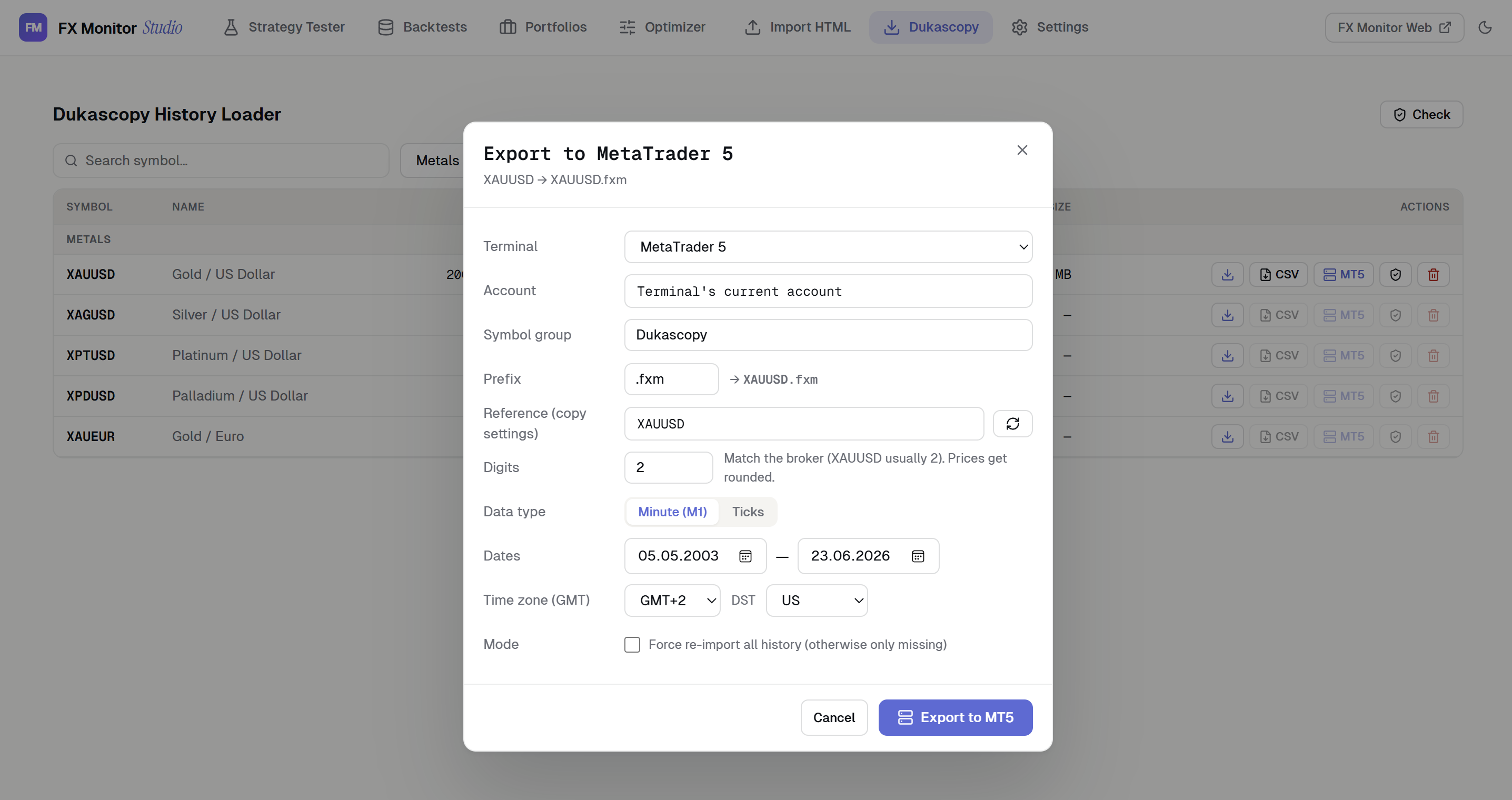
Dukascopy data loader — a built-in tool to download historical market data directly from Dukascopy and feed it into MetaTrader 5:
- Browse and search the full Dukascopy instrument catalog (Forex, Metals, Indices, Commodities, Crypto, Stocks), filtered by group.
- Download M1 bars or real tick data for any symbol and date range, with multi-threaded downloading and a live progress queue showing the current date being fetched.
- Incremental download — re-running a download only fetches missing data, skipping files already on disk.
- Export to CSV — save M1 or tick history as MetaTrader-compatible CSV with configurable time zone (GMT offset + DST) and date range.
- Export to MetaTrader 5 — create a custom symbol directly in your terminal from downloaded data:
- Classic theme — an alternative visual theme with tighter, more compact styling, selectable in settings.
v0.1.4
2026-06-23
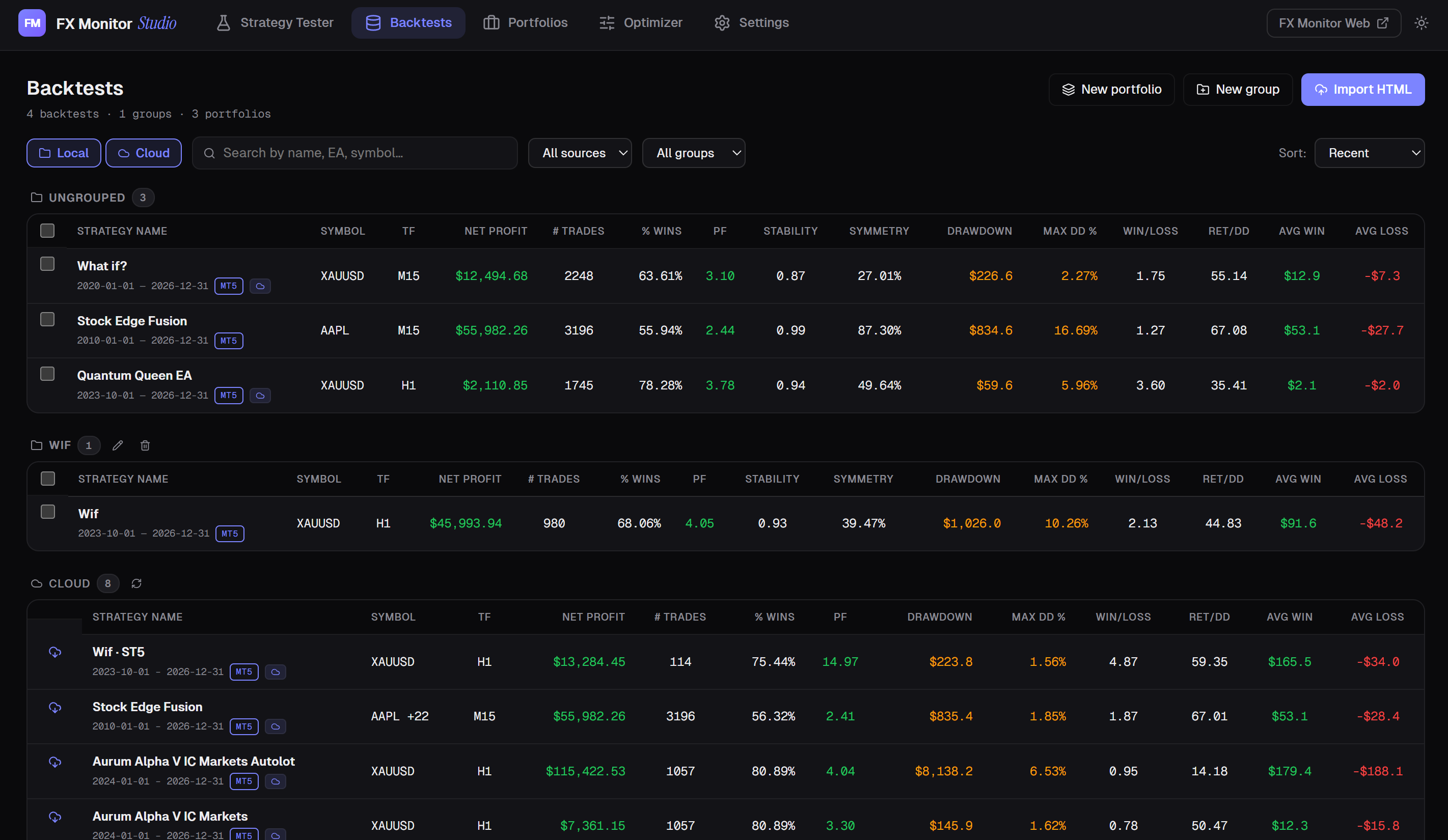
Backtest list now in two layouts: sidebar or bottom panel
Bottom panel: full metrics table, sortable on every column, compact rows, checkboxes, bulk delete and portfolio creation
"Import HTML" button in the top menu — import from any section, jumps to Backtests
Strategy Tester page now shows a "Tester backtests" list of runs
v0.1.3
2026-06-18
FX Monitor Studio 0.1.3
Improvements:
- Added leverage and execution delay settings to the tester.
- When importing an HTML report, the backtest name now comes from the file name instead of the EA name.
Fixes:
- Fixed console windows flickering during backtests: they no longer pop up and steal focus, so you can keep working in the background.
v0.1.2
2026-06-14
FX Monitor Studio 0.1.2
New:
- Claude Code integration: the fxm-studio command gives the agent access to your backtest library — analyze, break strategies apart, build and optimize portfolios. Results import into Studio automatically, with your confirmation.
- Backtest breakdown by strategy and symbol: see each component's contribution and risk, and save a cleaned backtest with losing strategies removed.
- 10 interface languages: added Ukrainian, German, French, Spanish, Portuguese, Italian, Malay, Indonesian.
Improvements:
- The app no longer behaves like a browser: removed stray context menu and hotkeys.
Fixes:
- Fixed duplicate report when the tester loaded history slowly.
v0.1.1
2026-06-13
FX Monitor Studio 0.1.1 — first public release
Desktop analyzer and MT5 tester launcher:
- Run MT5 backtests directly from the app
- Import MT4/MT5 HTML reports
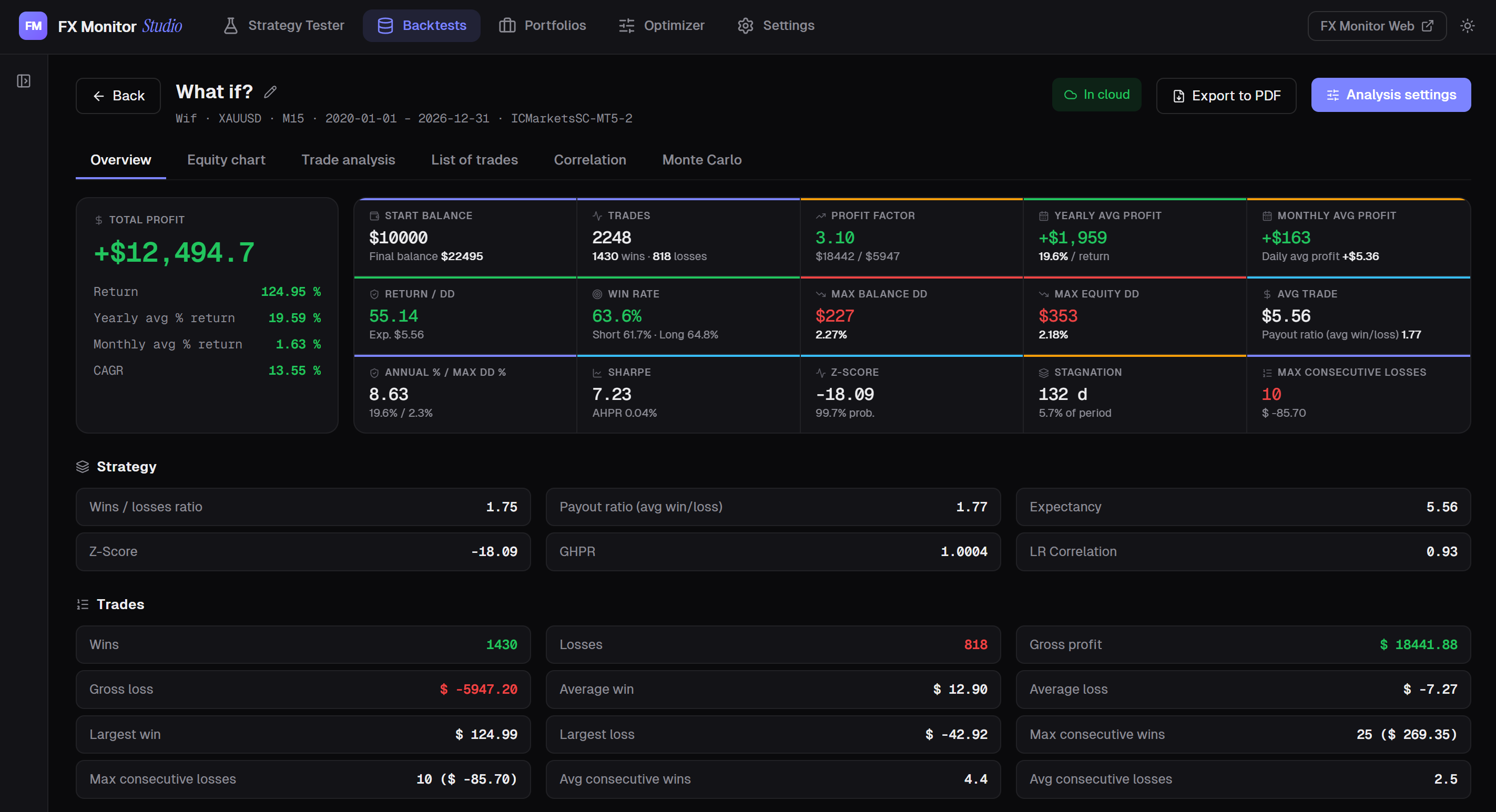
- Analytics: equity, drawdowns, Monte Carlo, strategy metrics
- Multi-backtest portfolios with multipliers
- Optimizer and component-based portfolio builder
- Sync backtests and portfolios with FX Monitor Cloud
- Dark/light themes, Multi-Language UI