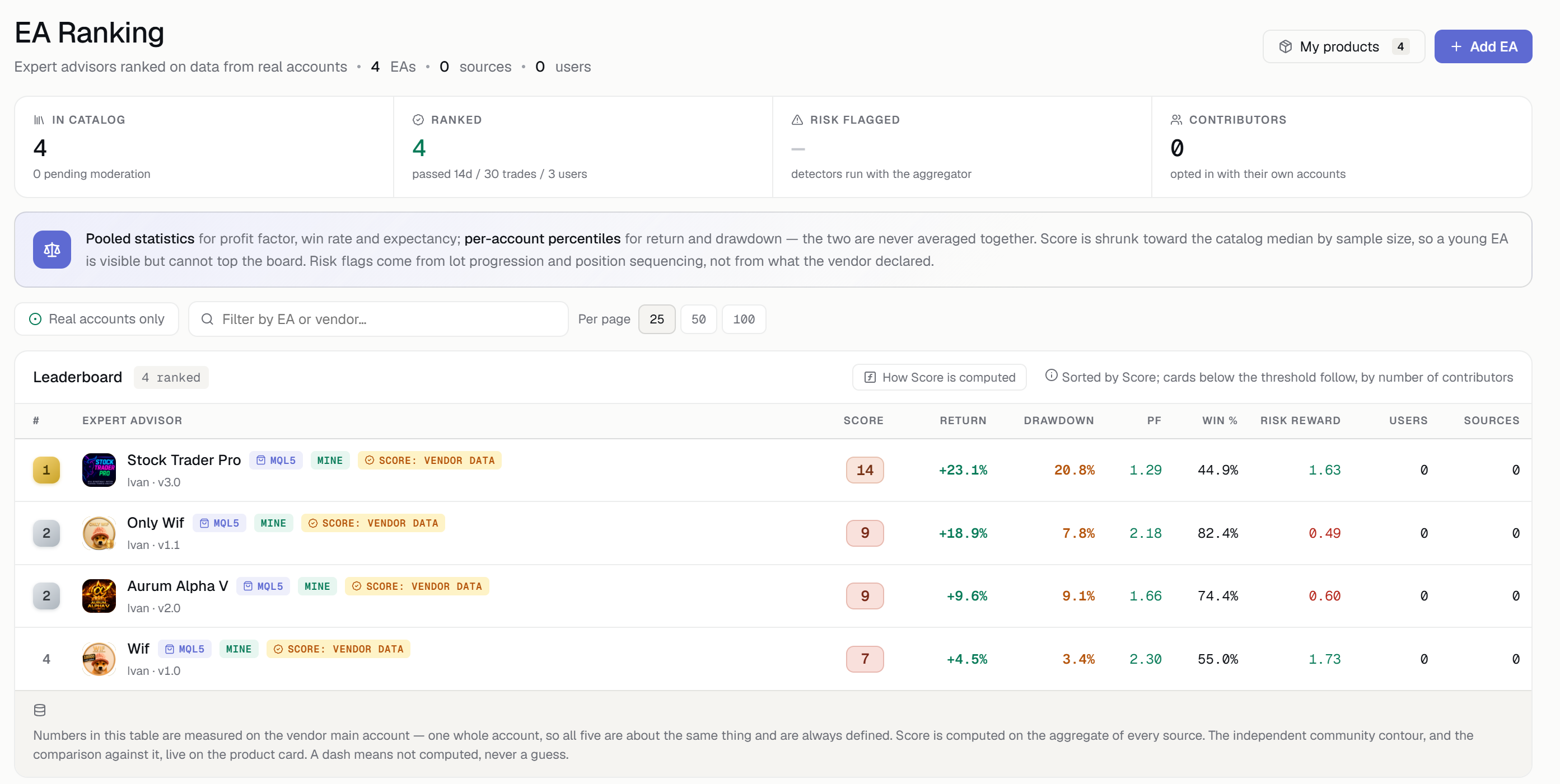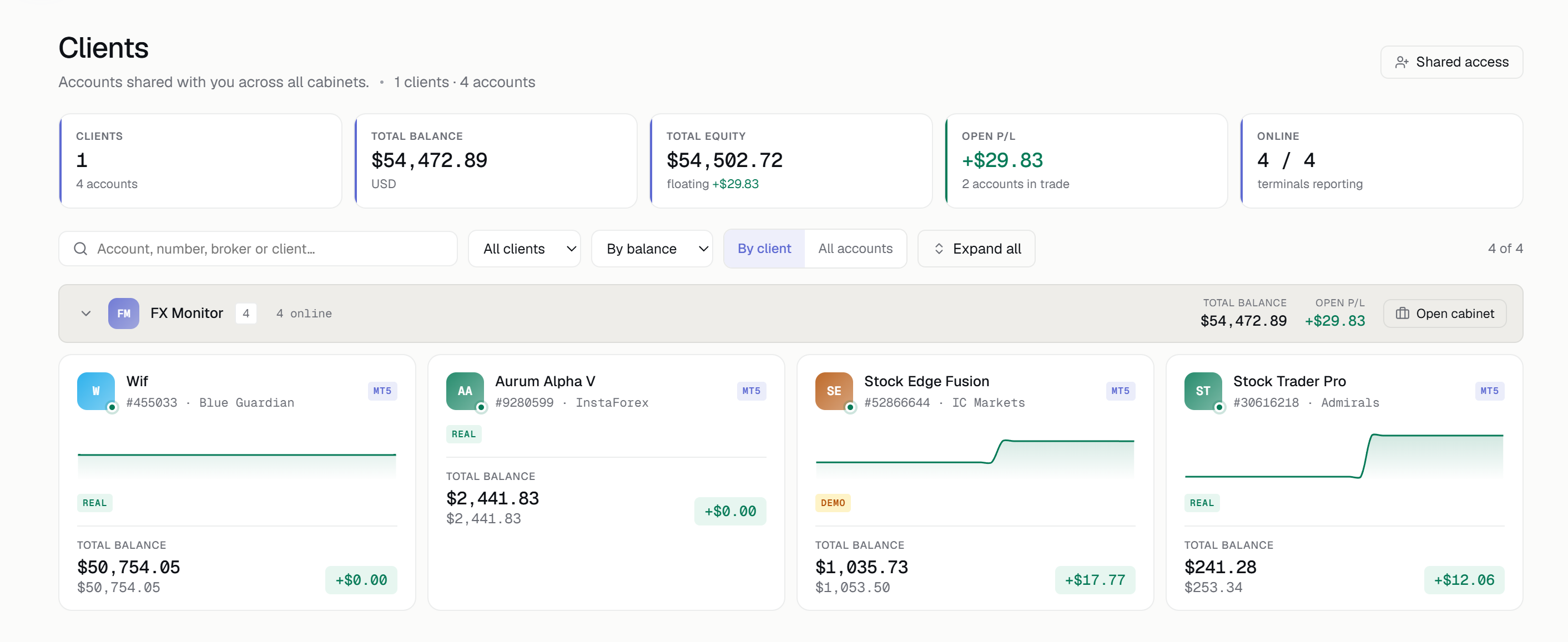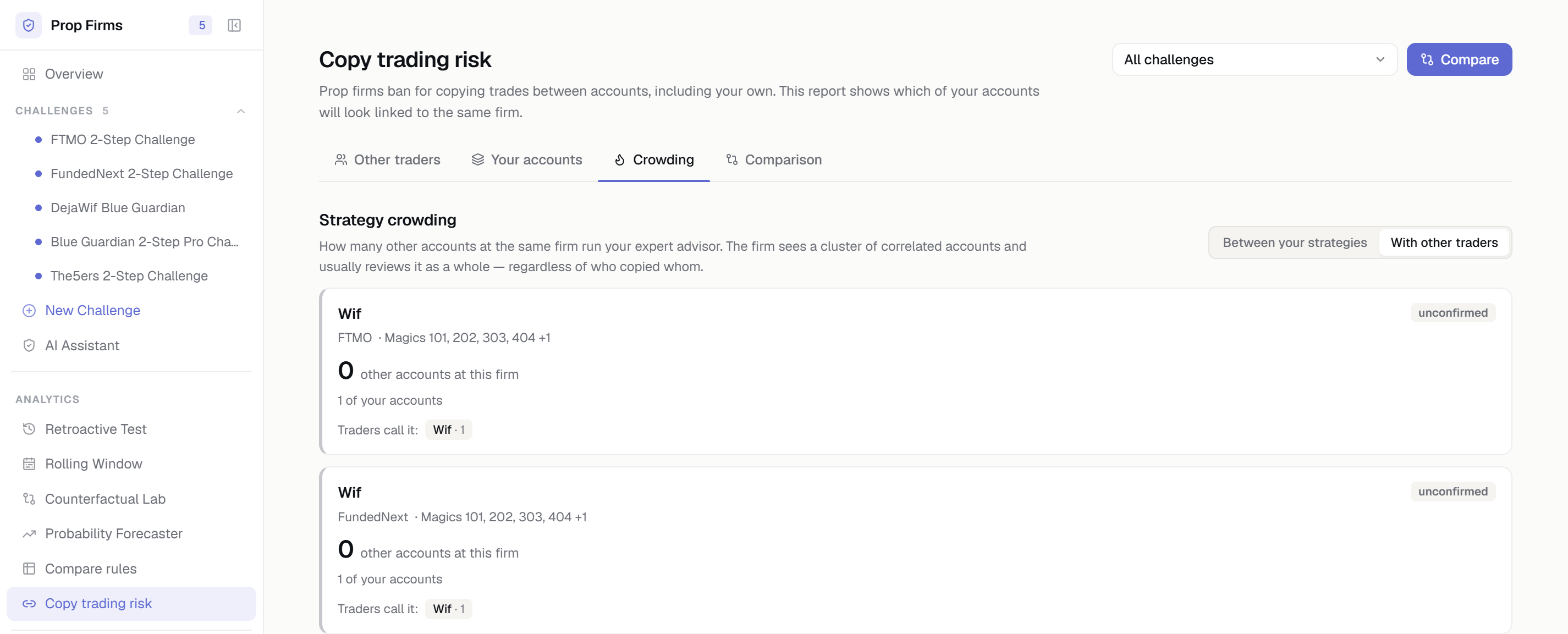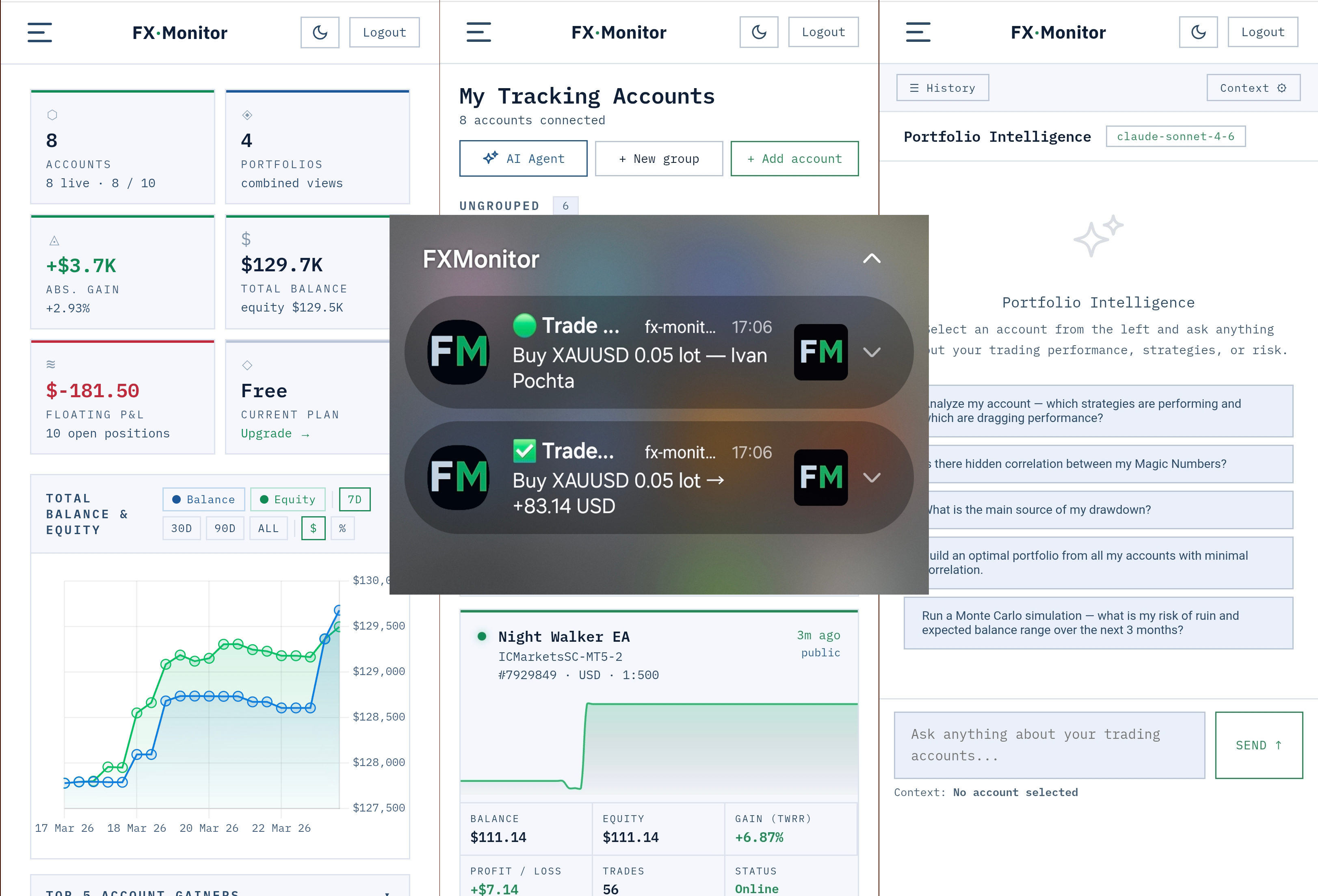
We’re excited to introduce a major upgrade to FX Monitor — you can now install it as a full-featured mobile app on your device.
No App Store. No downloads. No updates.
Just open 👉 https://fx-monitor.com on your smartphone and install it in one tap.
🚀 What is it?
FX Monitor is now available as a Progressive Web App (PWA) —
a modern application format that works like a native app, directly from your browser.
It runs on:
- Android
- iOS
- Windows
- macOS
And once installed, it opens in full-screen mode — just like a regular app.
🍏 How to Install on iPhone (Safari)
- Open https://fx-monitor.com in Safari
- Tap the Share (□↑) button
- Select “Add to Home Screen”
- Confirm — the app icon will appear on your home screen
Note: On iOS, installation and push notifications are supported only via Safari.
🔔 Real-Time Push Notifications
With the PWA version, FX Monitor can now send instant alerts, even when the app is running in the background or your screen is off.
You’ll receive notifications about:
- Trade opened / closed
- Profit and loss events
- Drawdown alerts
- Account offline status
All notifications are fully customizable:
- Filter by symbol (e.g. XAUUSD, EURUSD)
- Profit only / loss only
- Minimum P&L threshold
- Individual settings per account
💡 Why It Matters
This turns FX Monitor into more than just a dashboard.
It becomes a real-time trading companion —
keeping you connected to your accounts 24/7, without needing to stay in the terminal.
🔓 Free to Use
FX Monitor is completely free.
If you’d like to support the project and its дальнейшее развитие, you can do so by purchasing Expert Advisors:
👉 https://www.mql5.com/en/users/ivanvp/seller
FX Monitor continues to evolve —
built by a trader, for traders. 🚀