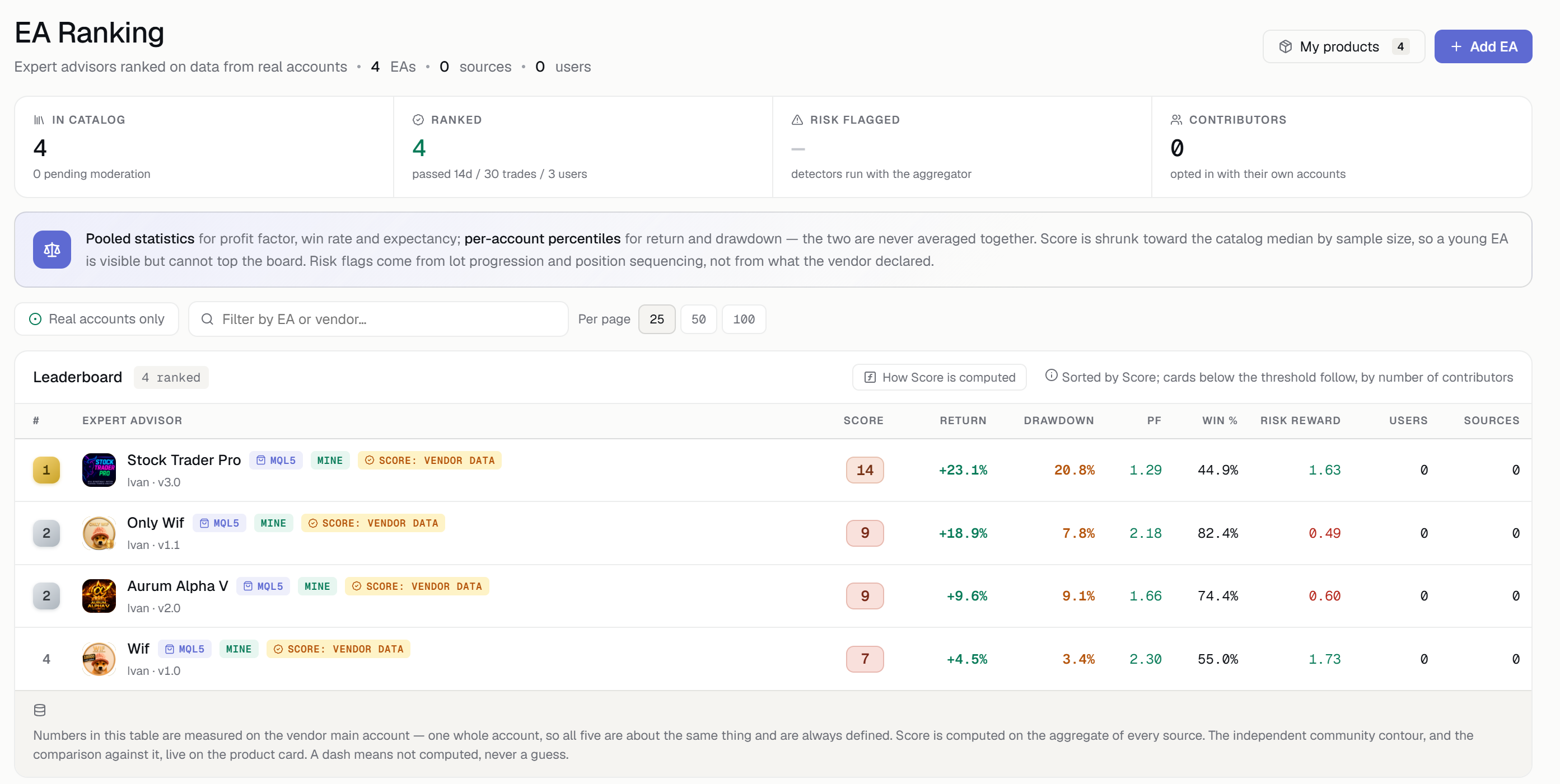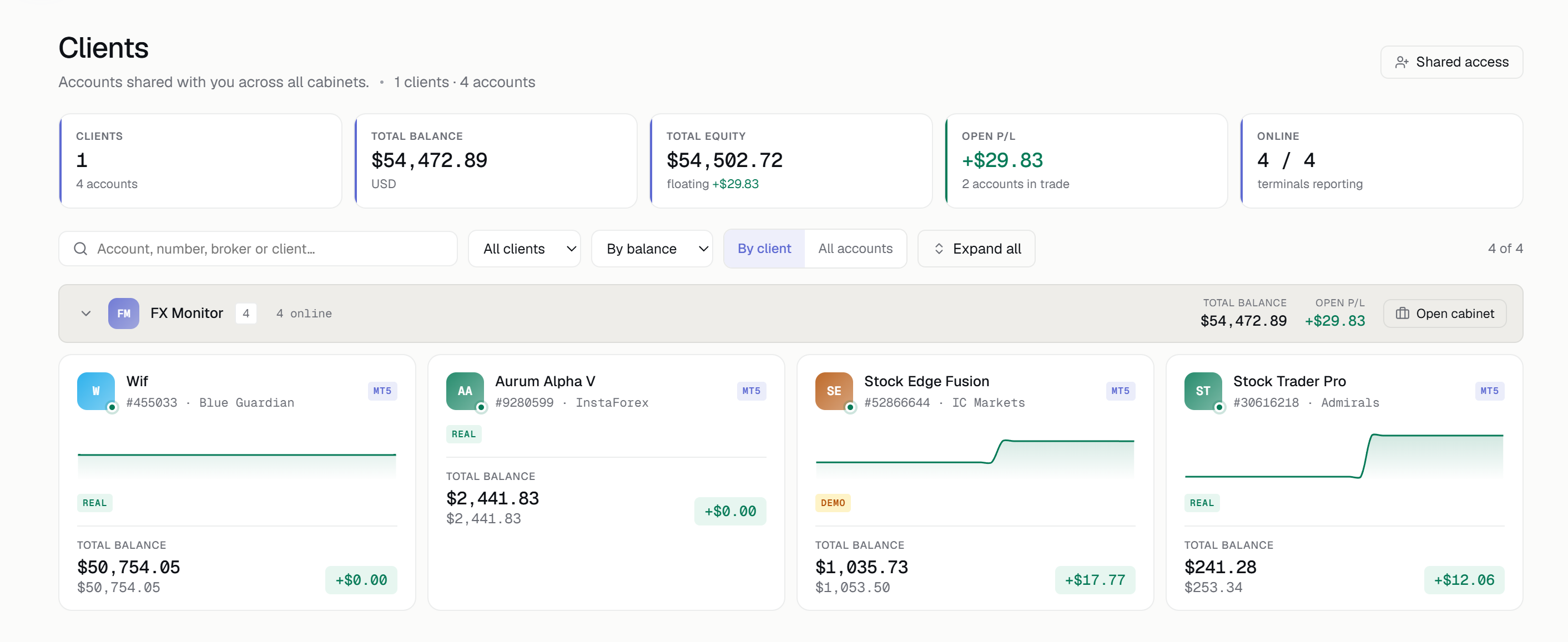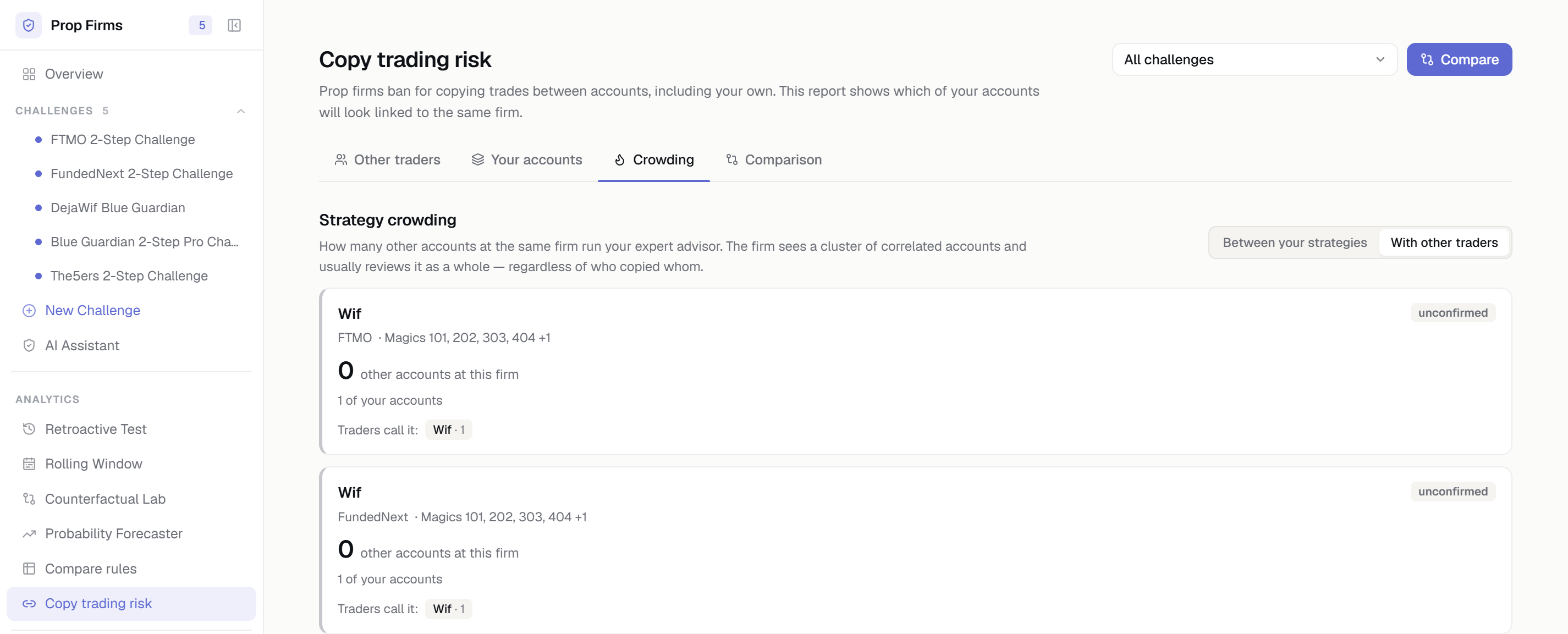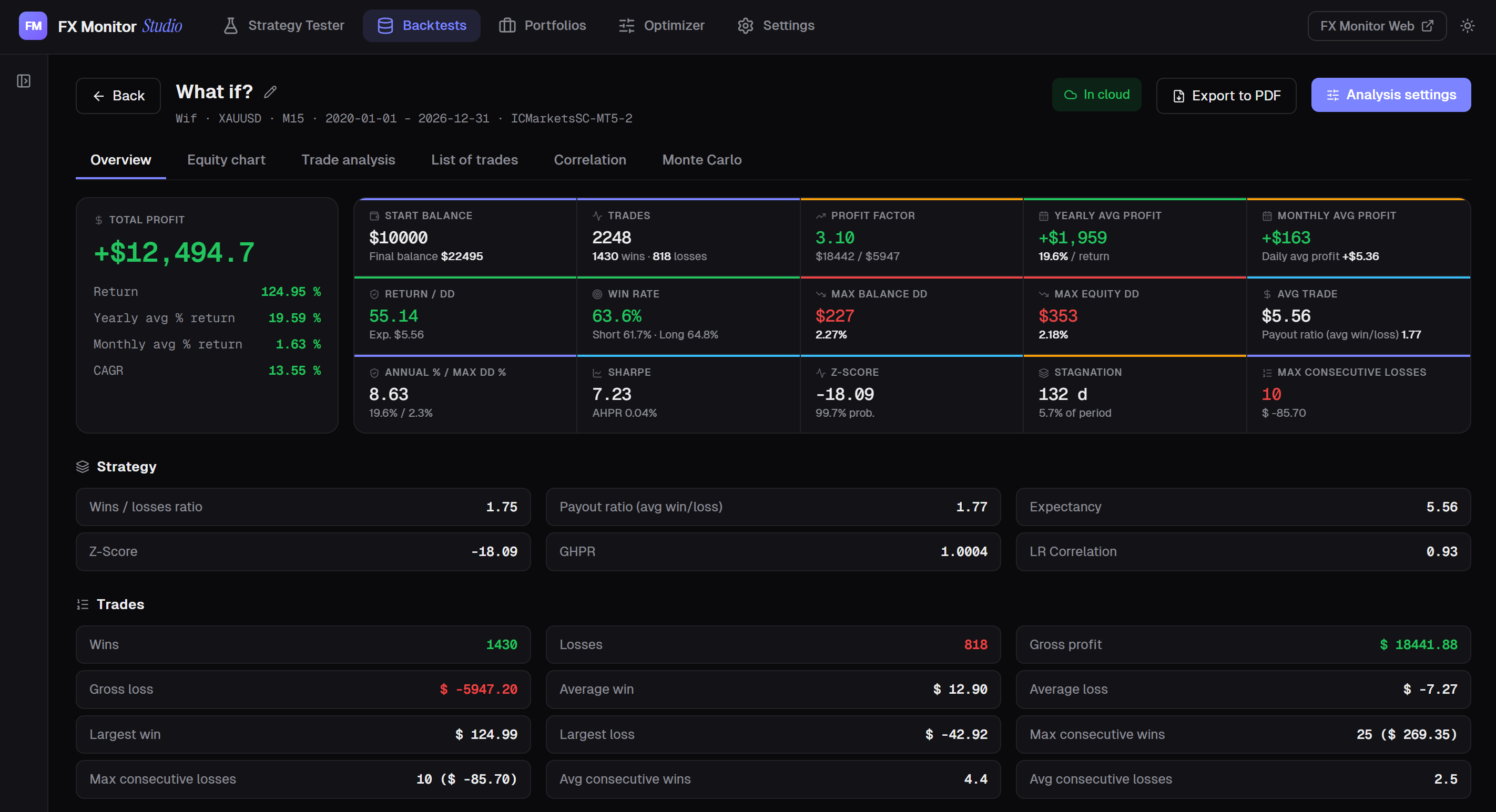
We've released FX Monitor Studio — a free desktop application for traders and trading-system developers. It runs MT5 backtests, breaks down every trade, builds strategy portfolios, and syncs everything with the FX Monitor cloud. In essence, it's QuantAnalyzer-level analytics and an MT5 tester launcher combined into one native app — available free with your FX Monitor account.
The problem Studio solves
Most traders live between the terminal running a backtest and a spreadsheet where they manually transfer numbers from HTML reports. It's slow, awkward, and never gives a complete picture. FX Monitor Studio closes that gap: it launches the tester, pulls the report automatically, turns it into a full analytical breakdown, and stores the result in the cloud tied to your account.
Built-in MT5 tester launcher
Set your symbol, timeframe, model and input parameters, run the Strategy Tester right from the app — and get the report back automatically, with no manual HTML export. Studio picks up the result as soon as the test finishes.
MT4 and MT5 report import
Drag in an HTML report from either terminal. Trades, deals and full statistics are parsed and normalized instantly — whether it's MT4 or MT5.
Deep analytics
Equity and drawdown curves, profit factor, expectancy, Z-score, Sharpe ratio, stagnation periods, winning and losing streaks, monthly and yearly returns. A complete picture of your strategy — over 25 metrics in a single dashboard.
Monte Carlo simulation
Stress-test your strategy's robustness: risk of ruin, drawdown distribution, odds of reaching your target balance — across thousands of randomized runs. Studio shows how much you can trust a result, not just what a single run happened to produce.
Multi-strategy portfolios
Combine several backtests with weights and view aggregated equity, correlation and risk — as if all strategies were trading on one account. This reveals how they work together, not just individually.
Portfolio optimizer
Set a goal — maximum profit, minimum drawdown, maximum profit factor, maximum Return/DD, or minimum correlation — and Studio will search through combinations and weights. A single report can be broken down into components by symbol or trade comment. For honest validation, an out-of-sample deep split checks whether the result holds outside the training period.
Backtest vs. reality analysis
M1 equity reconstruction and trade-level analysis show how a backtest would behave under real execution — exactly where slippage and spread eat into the result.
Cloud sync with FX Monitor
Push backtests and portfolios to your account with one click and open them on any machine. Start your research on a desktop, continue on a laptop along with all your analyses and portfolios. Your plan limits are visible right in the app's settings.
And more
One-click PDF export — a clean, ready-to-send performance report for clients or your own archive. Automatic over-the-air updates with signed artifacts. 10 interface languages and light/dark themes.
Getting started
Setup takes a single step: download Studio, paste in your API key from the portal (Profile → API key), and you're in. The app is available for Windows 10/11 (x64), with an installer of just around 12 MB. No FX Monitor account? Create one free at fx-monitor.com.